
Python developers today have a serious advantage over developers from just three years ago and that advantage is AI. Whether you are writing a data pipeline, debugging a FastAPI route, or trying to understand someone else’s messy codebase, the right AI tool can cut your working time dramatically.
But not every AI handles Python equally well. Some excel at inline code completion, others shine during complex debugging sessions, and a few are genuinely built around the Python workflow from the ground up.
This guide breaks down the best AI tools for Python coding in 2026 what each one actually does well, where it falls short, and which type of developer will get the most value from it.
What Actually Makes an AI Good at Python?
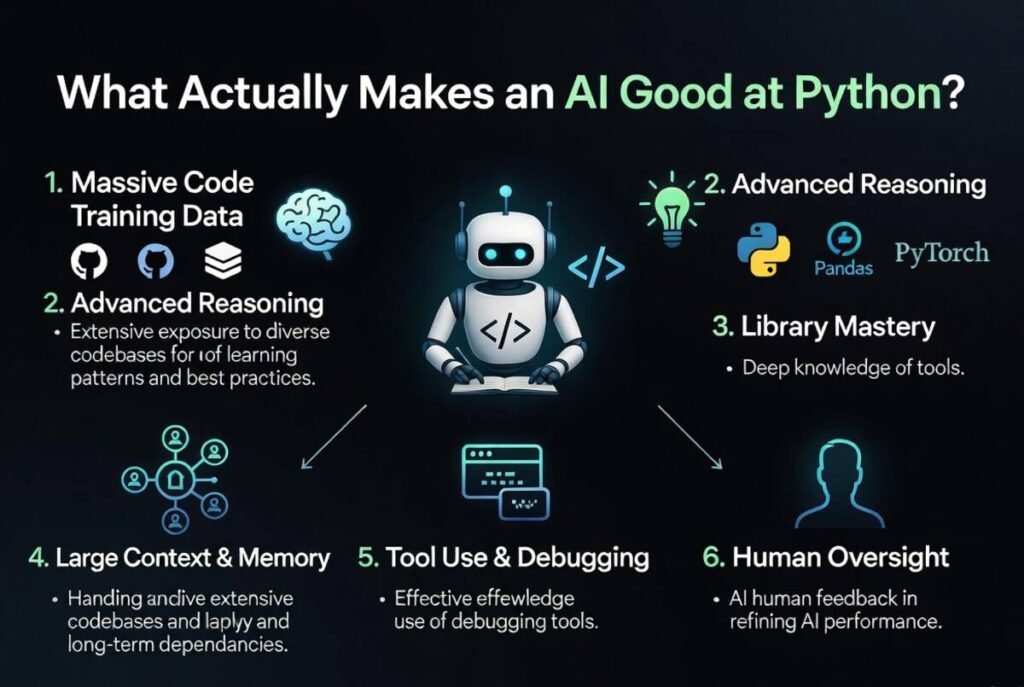
Not every AI coding tool is built the same way. A tool that works brilliantly for JavaScript developers might feel clunky and slow for Python workflows. Before jumping into individual recommendations, it helps to understand what separates a genuinely Python-friendly AI from a generic code assistant.
Code Completion vs Full Code Generation
These are two different capabilities, and most tools lean toward one or the other. Code completion tools predict what you are about to type and finish it they work inline inside your editor, like an intelligent autocomplete. Full code generation tools take a plain-English description and produce entire functions, classes, or scripts from scratch.
For Python specifically, full generation tends to be more useful. Python’s syntax is readable enough that AI-generated code is usually correct on the first try, and Python developers often write more logic-heavy scripts where starting from a prompt is faster than typing from scratch.
Python-Specific Features Worth Checking
Not all AI tools advertise Python support; they just say they support “all major languages.” In practice, look for these Python-specific capabilities before committing to any tool:
- Library awareness — Does it know pandas, NumPy, FastAPI, Django, and SQLAlchemy properly?
- Virtual environment context — Does it understand your project’s dependencies?
- Notebook support — If you work in Jupyter, does the tool work inside notebooks?
- Type hint generation — Can it add proper Python typing automatically?
- Docstring generation — Does it write PEP-257 compliant documentation?
These details separate tools that are “technically Python-compatible” from tools that are actually useful in a Python workflow.
Best AI Tools for Python Coding in 2026
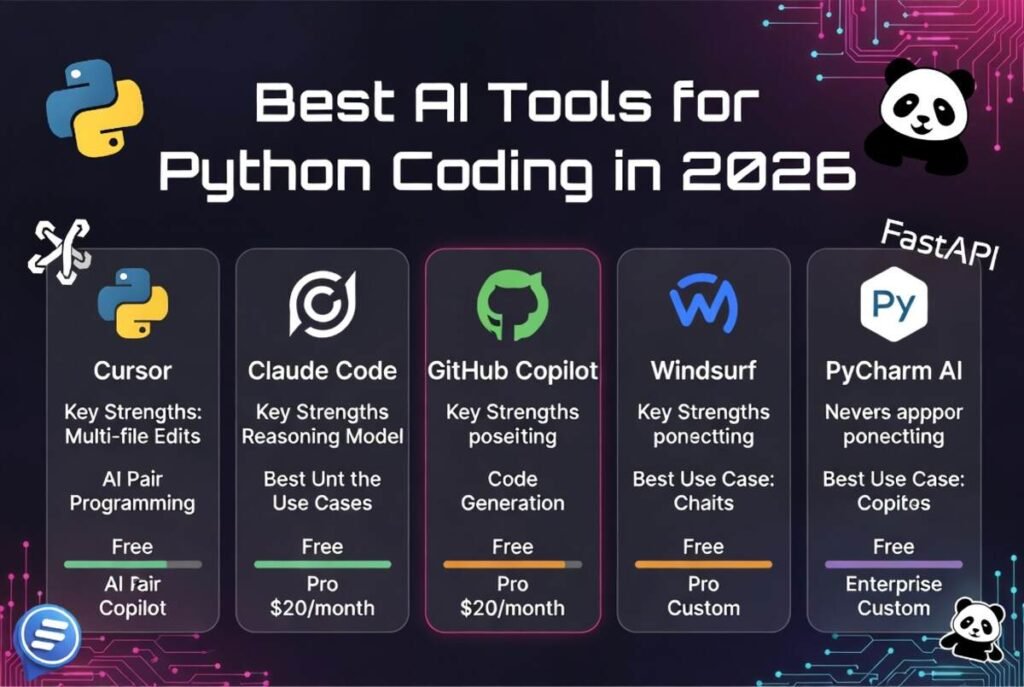
Here is a detailed breakdown of the top options available right now, covering what each tool does best and who it suits most.
GitHub Copilot Best for VS Code and JetBrains Users
GitHub Copilot remains one of the strongest options for Python developers who live inside VS Code or JetBrains IDEs. It integrates directly into the editor and works as a real-time inline assistant suggesting full function completions, generating docstrings, and offering multi-line suggestions as you type.
Copilot’s training on public GitHub repositories means it has seen enormous amounts of Python code across every major library and framework. In practice, it handles Django models, pandas transformations, and pytest fixtures surprisingly well without needing much prompting.
Where it struggles: Copilot can be overconfident. It sometimes generates code that looks correct but uses deprecated methods or makes subtle logic errors that only appear at runtime. You still need to review every suggestion carefully.
Best for: Professional Python developers who want fast inline suggestions inside their existing IDE setup.
Pricing: $10/month individual, $19/month business.
Claude (Anthropic) Best for Complex Python Reasoning
Claude has become a genuinely strong choice for Python developers who deal with complex logic, architecture decisions, or code that needs careful explanation. Unlike tools focused purely on autocomplete, Claude handles long, multi-file reasoning well you can paste an entire module and ask it to identify bugs, suggest refactoring, or explain what a confusing function actually does.
If you are building something in Python that involves data processing pipelines, async workflows, or machine learning model integration, Claude tends to produce well-structured, readable code with proper error handling built in. It also writes unusually good documentation and type annotations.
Where it struggles: Claude does not have a native IDE plugin the way Copilot does. Most developers use it through the Claude.ai interface or API, which means context-switching from the editor.
Best for: Python developers working on complex projects who need reasoning support, not just autocomplete. Also excellent for beginners who want clear explanations alongside generated code.
Pricing: Free tier available. Claude Pro at $20/month.
Cursor AI Best All-in-One Python Coding Environment
Cursor is a full IDE built on top of VS Code with AI deeply integrated throughout — not bolted on afterward. For Python developers who want AI that understands their entire project rather than just the file currently open, Cursor offers something the others do not.
It can read your full codebase, understand how files relate to each other, and make changes across multiple files at once when you ask it to. Industry experts often highlight Cursor’s codebase-aware editing as the most significant step forward in AI coding tools this cycle.
A common use case: you ask Cursor to add a new API endpoint to your FastAPI app, and it correctly updates the router, adds the schema, writes the test, and adjusts the imports — all in one instruction.
Where it struggles: Cursor’s free tier is limited, and the full experience requires a paid plan. It also has a learning curve for developers used to standalone IDEs.
Best for: Python developers building larger projects who want full codebase awareness and multi-file editing. [A broader comparison of tools like Cursor alongside other AI coding assistants is covered in theBest AI Coding Assistant in 2026 guide on Peak Ais.]
Pricing: Free tier available. Pro plan at $20/month.
ChatGPT (GPT-4o) Best for Explaining Python Concepts
ChatGPT with GPT-4o is not the most specialized Python coding tool, but it remains genuinely useful for a specific type of task explaining concepts, walking through logic step by step, and helping beginners understand what their code is actually doing.
Where ChatGPT wins is in conversational depth. You can have a back-and-forth debugging session, ask follow-up questions, and get explanations calibrated to your experience level. For Python learners especially, this conversational style is more effective than reading documentation.
Where it struggles: ChatGPT does not have real-time IDE integration. For professional workflows, switching between your editor and a browser tab adds friction that compounds quickly.
Best for: Python beginners, students, and developers who need concept explanations alongside code generation.
Pricing: Free tier available. ChatGPT Plus at $20/month.
Codeium Best Free AI for Python Coding
Codeium is the strongest free option for Python developers right now. It offers real-time autocomplete inside VS Code, JetBrains, and several other editors at no cost — and the Python support is genuinely competitive with paid tools for standard use cases.
It handles common Python patterns well: list comprehensions, decorator syntax, class inheritance, and standard library usage all produce accurate suggestions. For developers who do not need codebase-wide AI features and just want smart autocomplete without a monthly bill, Codeium delivers.
Where it struggles: Codeium’s reasoning capabilities are shallower than Claude or ChatGPT. It is better at completing code you are already writing than generating complex logic from scratch.
Best for: Python developers on a budget, freelancers, and students who want IDE-integrated autocomplete for free.
Pricing: Free. Enterprise plans available.
Amazon CodeWhisperer Best for Python on AWS
If your Python work involves AWS infrastructure Lambda functions, boto3 scripts, DynamoDB integrations, or serverless workflows CodeWhisperer has a distinct advantage. It is trained heavily on AWS-specific patterns and produces unusually accurate suggestions for AWS SDK usage.
Outside AWS-specific code, it is a solid but not exceptional autocomplete tool. The free individual tier is generous and includes security scanning for Python vulnerabilities — a feature most competitors charge extra for.
Best for: Backend Python developers building on AWS infrastructure.
Pricing: Free individual tier. Professional tier at $19/month per user.
Tabnine Best for Privacy-Conscious Python Teams
Tabnine offers something the other tools do not emphasize: on-premise deployment and strong data privacy guarantees. For Python teams working in regulated industries — healthcare, finance, legal tech Tabnine’s ability to run entirely on internal infrastructure is a real differentiator.
Code quality is good for standard Python tasks, and the team features allow training on your company’s own codebase for more contextually accurate suggestions.
Best for: Enterprise Python teams with strict data privacy requirements.
Pricing: Free basic tier. Pro at $12/month. Enterprise pricing custom.
AI Tools for Python Feature Comparison
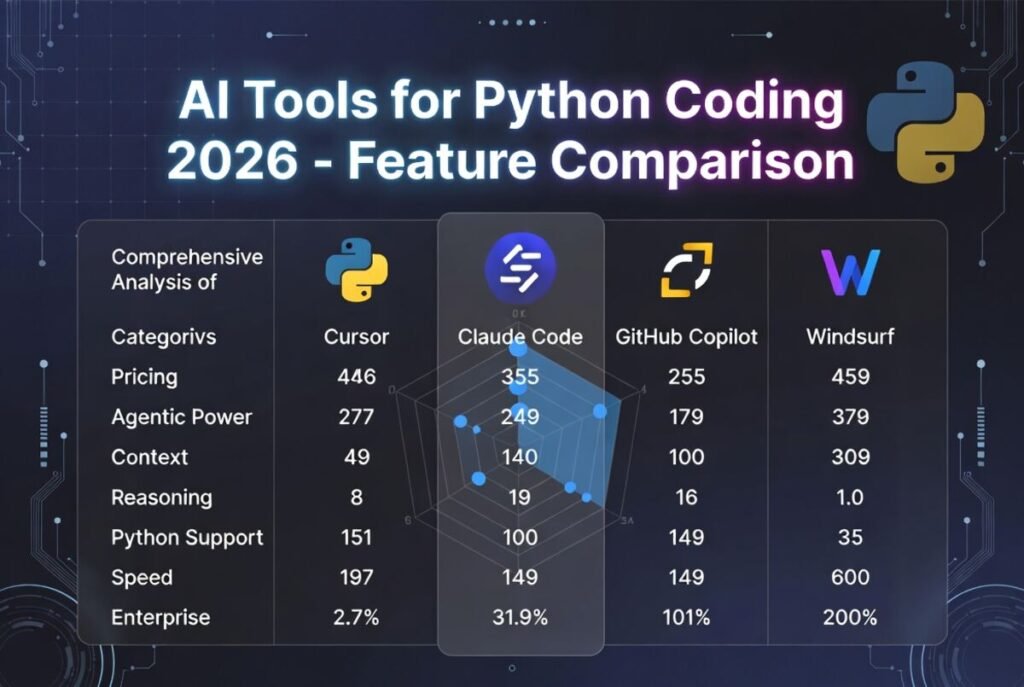
| Tool | IDE Integration | Codebase Awareness | Free Tier | Best Use Case |
| GitHub Copilot | VS Code, JetBrains | Partial | No | Inline autocomplete |
| Claude | Web / API | Via context window | Yes | Complex reasoning, debugging |
| Cursor AI | Built-in VS Code fork | Full project | Yes (limited) | Multi-file editing |
| ChatGPT | Web / API | No | Yes | Concept explanation |
| Codeium | VS Code, JetBrains | No | Yes (full) | Free autocomplete |
| CodeWhisperer | VS Code, AWS Cloud9 | No | Yes | AWS Python work |
| Tabnine | VS Code, JetBrains | Team codebase | Yes (basic) | Enterprise privacy |
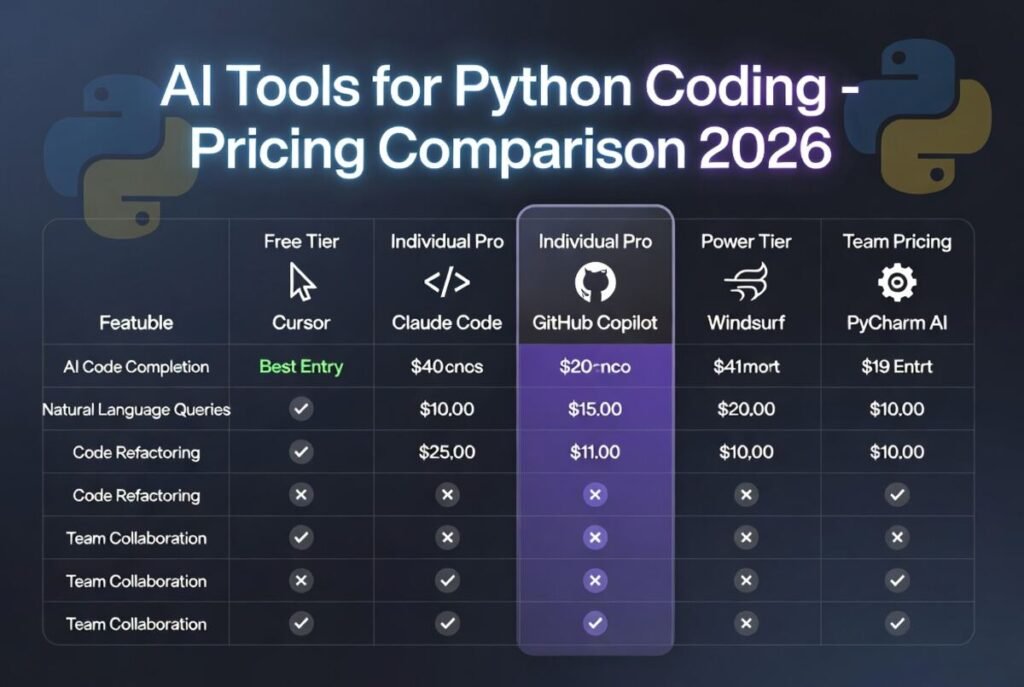
AI Tools for Python Pricing Comparison
| Tool | Free Tier | Paid Plan | Best Value For |
| GitHub Copilot | No | $10/month | Professional devs |
| Claude | Yes | $20/month | Complex projects |
| Cursor AI | Yes (limited) | $20/month | Full project AI |
| ChatGPT | Yes | $20/month | Learning Python |
| Codeium | Yes (full) | Enterprise only | Budget users |
| CodeWhisperer | Yes | $19/month | AWS developers |
| Tabnine | Yes (basic) | $12/month | Privacy-focused teams |
Best Free AI for Python Coding
If budget is a constraint, the free tier landscape has genuinely improved in 2026. Codeium offers the most capable free autocomplete experience with no usage limits on its core features. Claude’s free tier handles complex Python reasoning better than most paid alternatives from two years ago. ChatGPT’s free tier remains strong for learning and explanation.
A common mistake is assuming free tools are fundamentally inferior. For solo developers working on standard Python projects web scraping, automation scripts, data analysis the free tiers of Codeium and Claude together cover nearly every need without spending anything.
Best AI for Python Beginners
Beginners benefit most from AI tools that explain code clearly, not just generate it. Based on current standards, Claude and ChatGPT are the top choices for new Python developers because both provide detailed explanations alongside code, answer follow-up questions naturally, and adapt to the learner’s level.
GitHub Copilot and Codeium are less suitable for pure beginners because they autocomplete without explaining which can lead to copy-pasting code you do not understand.
A practical beginner setup: use Claude or ChatGPT to understand concepts and generate explained code examples, then move to Codeium for autocomplete support as you get comfortable writing Python independently.
Best AI for Python Data Science and Machine Learning
Data science Python work has specific demands pandas DataFrames, NumPy arrays, scikit-learn pipelines, Matplotlib visualizations, and increasingly, PyTorch or TensorFlow model code. Not all AI tools handle these well.
Claude handles ML code particularly well, generating clean scikit-learn pipelines and explaining model behavior in plain language. GitHub Copilot is strong for pandas and NumPy because it has seen enormous amounts of data science code from public repositories. Cursor shines when your ML project spans multiple notebooks and Python files that need to stay in sync.
For Jupyter Notebook users specifically, Codeium’s notebook support and GitHub Copilot’s recent improvements to notebook integration make both worth testing. [If you are also evaluating AI platforms for broader business use beyond just coding, the Best AI for Business overview on Peak Ais covers the wider landscape.]
How to Choose the Right AI for Your Python Project
The right choice depends on three variables: your experience level, your project type, and your budget.
If you are a beginner: Start with Claude’s free tier or ChatGPT. Focus on understanding the code, not just getting it written.
If you are a professional working solo: GitHub Copilot or Cursor gives you the best workflow integration. Cursor is the stronger choice if your projects are growing in complexity.
In practice, most experienced Python developers end up using two tools: one for inline IDE suggestions and one for conversational reasoning and debugging. The combination of Codeium plus Claude, or Copilot plus Claude, covers a genuinely wide range of Python development scenarios. [For a broader look at how AI platforms compare across multiple use cases beyond coding, the Best All-in-One AI Platforms in 2026 guide on Peak Ais is worth reviewing.]
Frequently Asked Questions
What is the best AI for Python coding in 2026?
GitHub Copilot, Cursor AI, and Claude are the top choices depending on your workflow. Copilot excels at inline autocomplete, Cursor at full project editing, and Claude at complex reasoning and debugging support.
Is there a free AI for Python coding?
Yes. Codeium offers a completely free tier with real-time autocomplete inside VS Code and JetBrains. Claude and ChatGPT also have free tiers that handle Python code generation and explanation well.
Is Cursor AI better than GitHub Copilot for Python?
For complex, multi-file Python projects, Cursor is generally more capable because it understands your entire codebase. For simple autocomplete inside an existing IDE, Copilot is faster and less disruptive to your workflow.
Can AI help with Python debugging?
Yes. Claude and ChatGPT are particularly strong debugging tools. You can paste error tracebacks, describe unexpected behavior, or share code snippets and receive specific, actionable explanations of what went wrong.

Oliver Sterling is a seasoned AI strategist and tech researcher. With a focus on generative AI and neural networks, he explores how artificial intelligence is reshaping industries. When not prompting LLMs, he’s busy analyzing the next big shift in technology.